
Anúncios
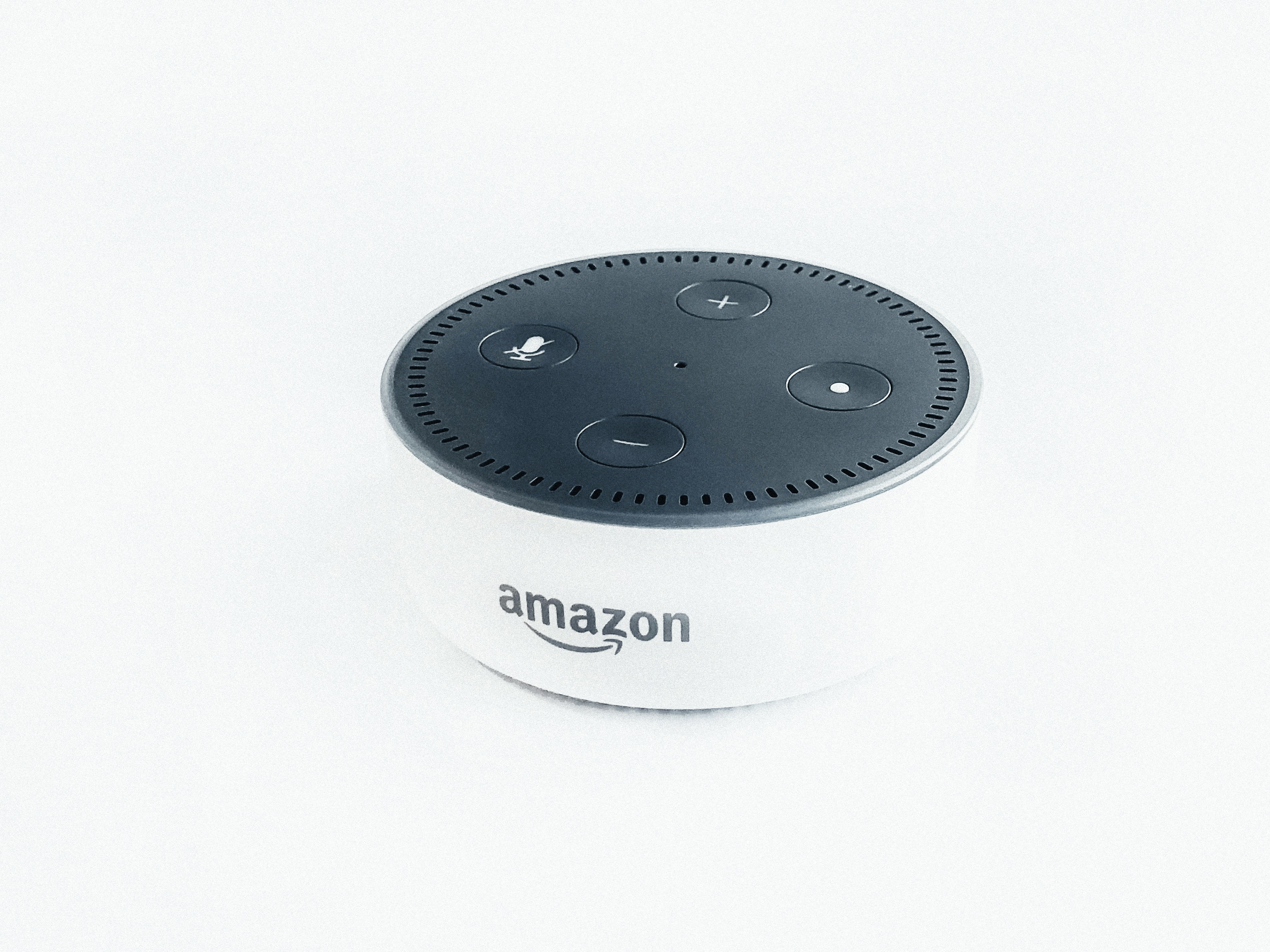
Amazon Alexa has transformed how we interact with technology at home, but most users barely scratch the surface of what this AI assistant can do. Hidden beneath the everyday commands lie powerful features that can revolutionize your daily routine.
Unlock Hidden Alexa Features
Discover Official Alexa Skills
While millions of people use Alexa for basic tasks like setting timers or playing music, there’s an entire universe of secret commands waiting to be discovered. These hidden features can streamline your workflow, automate complex tasks, and unlock capabilities you never knew existed.
Anúncios
The following three secret commands represent game-changing functionality that Amazon doesn’t heavily advertise. Each one addresses real-world problems and offers practical solutions that can genuinely improve your daily life. Let’s dive into these powerful features that will make you wonder how you ever lived without them.
🎯 Secret Command #1: Create Multi-Step Routines with Follow-Up Mode
Most Alexa users don’t realize that the assistant can chain multiple commands together without requiring you to repeat the wake word. This feature, called Follow-Up Mode, transforms Alexa from a single-command responder into a conversational partner capable of handling complex, multi-step requests.
To activate this hidden gem, you’ll need to enable it through your Alexa app settings. Navigate to Devices, select your Echo device, scroll down to Follow-Up Mode, and toggle it on. Once enabled, Alexa will listen for an additional eight seconds after completing a command, allowing you to issue follow-up instructions naturally.
Why This Command Changes Everything
Traditional voice assistants require you to start each command with “Alexa,” which disrupts natural conversation flow. With Follow-Up Mode enabled, you can have exchanges like this:
You: “Alexa, what’s the weather today?”
Alexa: “Today will be sunny with a high of 75 degrees.”
You: “What about tomorrow?”
Alexa: “Tomorrow will be partly cloudy with a high of 72 degrees.”
You: “Add umbrella to my shopping list.”
This seemingly simple feature dramatically improves efficiency when you’re multitasking in the kitchen, getting ready in the morning, or working on projects where your hands are occupied.
Advanced Applications for Follow-Up Mode
The real power emerges when you combine Follow-Up Mode with other Alexa features. For instance, you can conduct entire cooking sessions hands-free, converting measurements, setting multiple timers, and adding ingredients to your shopping list without breaking your workflow.
Professionals working from home can manage their entire morning routine through conversation: check calendar appointments, get weather updates, hear news briefings, adjust smart home settings, and set reminders—all in one natural dialogue.
Parents particularly benefit from this feature during hectic mornings. You can ask about traffic conditions, request school closure information, set alarms for different family members, and control smart home devices while simultaneously preparing breakfast.
🔐 Secret Command #2: Whisper Mode for Privacy and Consideration
Here’s a secret that surprises even long-time Alexa users: if you whisper to Alexa, she whispers back. This isn’t just a novelty feature—it’s a sophisticated speech recognition capability that understands contextual appropriateness and responds accordingly.
Whisper Mode must be activated in your Alexa app settings. Go to Settings, select Alexa Account, choose Alexa Voice Responses, and toggle on Whisper Mode. Once enabled, Alexa will detect when you’re whispering and automatically adjust her response volume and tone to match.
Practical Scenarios That Demand Whisper Mode
This command solves numerous real-world problems that standard voice assistants create. When you need to set an alarm late at night without waking your partner, simply whisper your request, and Alexa responds at an appropriate volume.
Parents with sleeping children finally have a solution for smart home control during naptime. You can whisper commands to adjust lights, lock doors, check security cameras, or control thermostats without risking waking the baby you just spent an hour getting to sleep.
The feature also proves invaluable in shared workspaces or home offices where speaking at normal volume would disturb others. You can discreetly manage calls, set reminders, or request information without disrupting colleagues or family members working nearby.
The Technology Behind Whisper Detection
Amazon’s engineers developed sophisticated acoustic models to distinguish whispered speech from normal volume commands. The system analyzes pitch, frequency, and spectral characteristics to determine when you’re whispering intentionally versus speaking from a distance.
This technology required training neural networks on thousands of hours of whispered speech samples. The result is remarkably accurate detection that works across different accents, vocal ranges, and environmental conditions.
What makes this particularly impressive is that Alexa doesn’t just lower the volume—she actually changes her speech synthesis to produce whispered responses that sound natural rather than simply quiet. This attention to detail creates a more human-like interaction that respects social contexts.
⏰ Secret Command #3: Brief Mode with Visual Confirmations
Perhaps the most underutilized secret command, Brief Mode eliminates Alexa’s verbose responses and replaces them with simple chimes and visual confirmations. For users who find constant verbal acknowledgments annoying or disruptive, this feature is revolutionary.
Enable Brief Mode by opening the Alexa app, navigating to Settings, selecting Alexa Account, then Alexa Voice Responses, and toggling on Brief Mode. Alexa will now confirm most routine commands with a short sound instead of speaking.
When Silence Speaks Volumes
Brief Mode particularly benefits households where Alexa handles frequent smart home commands throughout the day. Instead of hearing “Okay” every time you turn lights on or off, you’ll hear a quick chime—much less intrusive during conversations, phone calls, or entertainment.
For Echo devices with screens, Brief Mode becomes even more powerful. When you issue commands, the device displays visual confirmations instead of interrupting with speech. You can see your timer countdown, confirm smart home adjustments, or verify task completions at a glance without audio interruption.
Combining Brief Mode with Routines
The true power of Brief Mode emerges when paired with Alexa Routines. You can create complex automation sequences that execute silently in the background, confirmed only by subtle audio cues and screen displays.
For example, your “Goodnight” routine might lock doors, turn off lights, adjust thermostats, set security cameras to active mode, and set your morning alarm—all acknowledged with a single brief tone instead of Alexa verbally confirming each step.
During work hours, your “Focus Mode” routine could silence notifications, adjust lighting to reduce glare, start background music, and set your status on smart displays—executed with minimal audio disturbance to maintain concentration.
💡 Maximizing These Secret Commands Together
While each secret command offers individual benefits, combining them creates a truly seamless smart home experience. Imagine activating Follow-Up Mode for natural conversations, using Whisper Mode when others are sleeping, and enabling Brief Mode to minimize audio interruptions throughout the day.
This combination allows you to interact with Alexa in contextually appropriate ways that adapt to your environment and circumstances. You’re no longer constrained by rigid command structures or worried about disturbing others with constant device chatter.
Creating the Perfect Configuration
Start by enabling all three features, then adjust based on your household’s needs. You might keep Follow-Up Mode always active, use Whisper Mode during evening hours, and toggle Brief Mode on during work periods when concentration matters most.
Consider creating specific Routines that automatically adjust these settings based on time of day or location. Your “Morning” routine could disable Brief Mode so you hear important information clearly, while your “Evening” routine enables Whisper Mode for considerate interactions after bedtime.
🎓 Advanced Tips for Power Users
Beyond these three secret commands, power users can leverage additional hidden features to create even more sophisticated automation. Voice profiles allow Alexa to recognize different household members and provide personalized responses, shopping lists, and calendar information.
Adaptive Volume is another hidden feature that automatically adjusts Alexa’s speaking volume based on ambient noise levels. She’ll speak louder when detecting background noise from appliances or music, and quieter during silent moments.
Voice Profile Customization
Setting up individual voice profiles enables Alexa to distinguish between family members and provide personalized experiences. Each person gets their own music preferences, calendar access, shopping lists, and reminder systems.
This becomes particularly powerful when combined with Follow-Up Mode. Alexa can maintain context throughout multi-step conversations while accessing the correct person’s information, making interactions feel truly personalized and intelligent.
Location-Based Automation
Few users realize that Alexa can trigger routines based on your smartphone’s location. You can create routines that activate when you leave home or arrive, automating security systems, climate control, and lighting without any voice commands required.
Combine location-based routines with Brief Mode to create invisible automation that works silently in the background. Your home adjusts itself as you come and go, confirmed only by subtle visual indicators on Echo Show devices.
🔧 Troubleshooting Common Issues
While these secret commands are powerful, users occasionally encounter configuration challenges. The most common issue with Follow-Up Mode involves Alexa listening too long and accidentally activating from background conversations.
If this occurs, consider adjusting device placement away from televisions or high-traffic areas. You can also temporarily disable Follow-Up Mode in specific rooms while keeping it active on devices in quieter locations like bedrooms or offices.
Whisper Mode Recognition Problems
Some users report that Alexa doesn’t consistently detect whispered commands. This usually stems from whispering too softly or being too far from the device. Whisper Mode works best within 3-4 feet of the Echo device.
Ensure you’re enunciating clearly even while whispering, as mumbled speech—even at normal volume—challenges speech recognition systems. Practice with simple commands first to develop the right volume and clarity balance.
Brief Mode Limitations
Brief Mode doesn’t apply to all command types. Alexa will still provide verbal responses for questions requiring detailed answers, timer completions, and reminder notifications. This selective application ensures you don’t miss important information.
If you find certain responses still too verbose even with Brief Mode enabled, consider rephrasing commands to request simpler confirmations, or create custom Routines that execute actions without requiring acknowledgment.
🌟 Real-World Success Stories
Users who’ve implemented these secret commands report transformative changes in their daily routines. One working parent described how combining Whisper Mode and Brief Mode allowed her to manage household tasks during her baby’s naps without constant fear of waking the child.
A software developer shared how Follow-Up Mode revolutionized his work-from-home experience, allowing him to manage complex task lists, set multiple reminders, and control his office environment through natural conversation rather than repetitive wake word commands.
Healthcare workers on night shifts particularly appreciate Whisper Mode for arriving home in early morning hours. They can disarm security systems, adjust lights, and check on sleeping family members without creating disturbances that would disrupt household sleep schedules.
🚀 Future Possibilities and Emerging Features
Amazon continues developing new Alexa capabilities that build upon these secret commands. Recent patent filings suggest future features may include emotion detection that adjusts responses based on your tone, and proactive suggestions based on routine patterns.
The company is also exploring multilingual households more deeply, with features that automatically detect language switching mid-conversation and respond appropriately without manual language selection.
Privacy Considerations and Control
As these features become more sophisticated, Amazon has enhanced privacy controls. Users can now review and delete voice recordings, opt out of human review programs, and set automatic deletion schedules for their interaction history.
Understanding these privacy features ensures you can enjoy advanced Alexa capabilities while maintaining control over your personal information. Regular review of privacy settings allows you to balance convenience with data protection according to your comfort level.
🎯 Implementation Strategy for New Users
If you’re excited to implement these secret commands, start with one at a time rather than enabling everything simultaneously. Begin with Follow-Up Mode for a week, letting your household adjust to the more conversational interaction style.
Next, add Brief Mode to reduce verbal clutter, especially if you use frequent smart home commands throughout the day. Finally, introduce Whisper Mode and educate household members about when and how to use it effectively.
This gradual implementation allows everyone to discover which features provide the most value for their specific needs, rather than overwhelming users with simultaneous changes to familiar interaction patterns.
📱 Integration with Third-Party Services
These secret commands work seamlessly with thousands of third-party Alexa skills, expanding their utility far beyond basic Amazon features. Smart home platforms like SmartThings, Home Assistant, and Hubitat all respect Brief Mode settings, providing consistent experiences across ecosystems.
Entertainment services including Spotify, Apple Music, and Audible integrate with Follow-Up Mode, allowing natural conversations about playback control, playlist management, and content discovery without repeated wake words.
Productivity apps like Todoist, Any.do, and Microsoft To-Do combine with these features to create powerful task management systems controlled entirely by voice, with minimal audio interruption thanks to Brief Mode confirmation tones.

✨ Transforming Your Daily Experience
The difference between knowing these secret commands and not knowing them separates casual Alexa users from power users who’ve truly integrated voice control into their lives. What once felt like interacting with a machine becomes natural conversation with an attentive assistant.
These features demonstrate Amazon’s understanding that truly smart technology adapts to human needs rather than forcing humans to adapt to rigid machine requirements. By enabling contextual awareness through Whisper Mode, conversational flow through Follow-Up Mode, and reduced interruption through Brief Mode, Alexa becomes less intrusive and more helpful.
Start implementing these secret commands today, and you’ll quickly wonder how you ever managed without them. The small effort required to enable these features pays immediate dividends in convenience, efficiency, and overall satisfaction with your smart home ecosystem. Your future self will thank you for taking the time to unlock Alexa’s hidden potential.
